
Adding a Simple product
Let’s add a Simple product. You’ll need:
- Product name
- Product’s regular price
- Product image (from your Media Library)
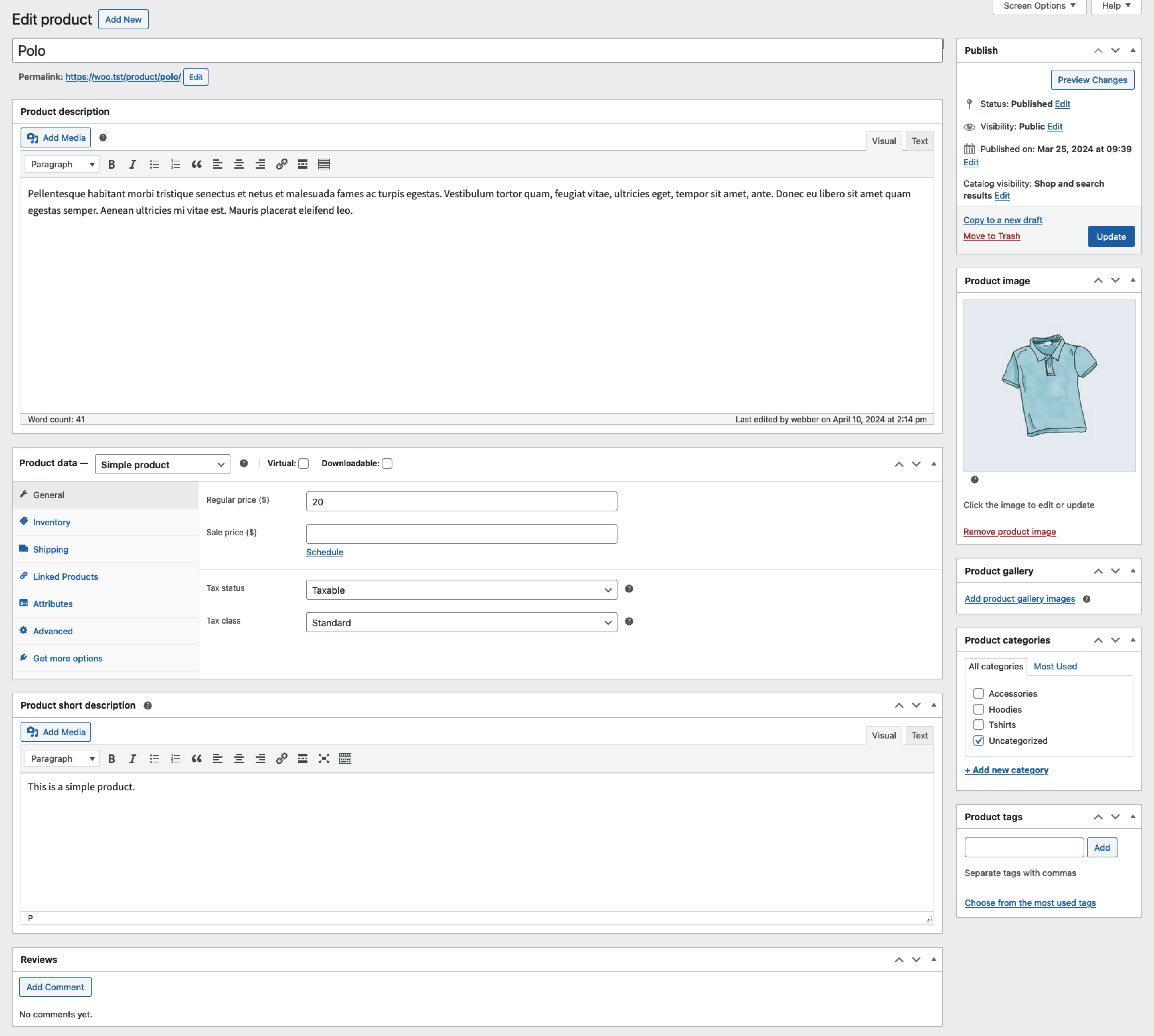
The following example results in a basic product listing, without a description, assigned to the default “Uncategorized” product category:
- Go to WooCommerce > Products > Add Product.
- Enter a Product name.
- In the Product data > General section, the Product type should default to Simple product.
- Enter an amount in the Regular price field.
- If needing to track inventory, see our Inventory section of the Product data documentation.
- In the Product image panel in the right-hand column, click the Set product image link.
- Select the image you want to use and click the Set product image button.
- Click the Publish button in the Publish panel.
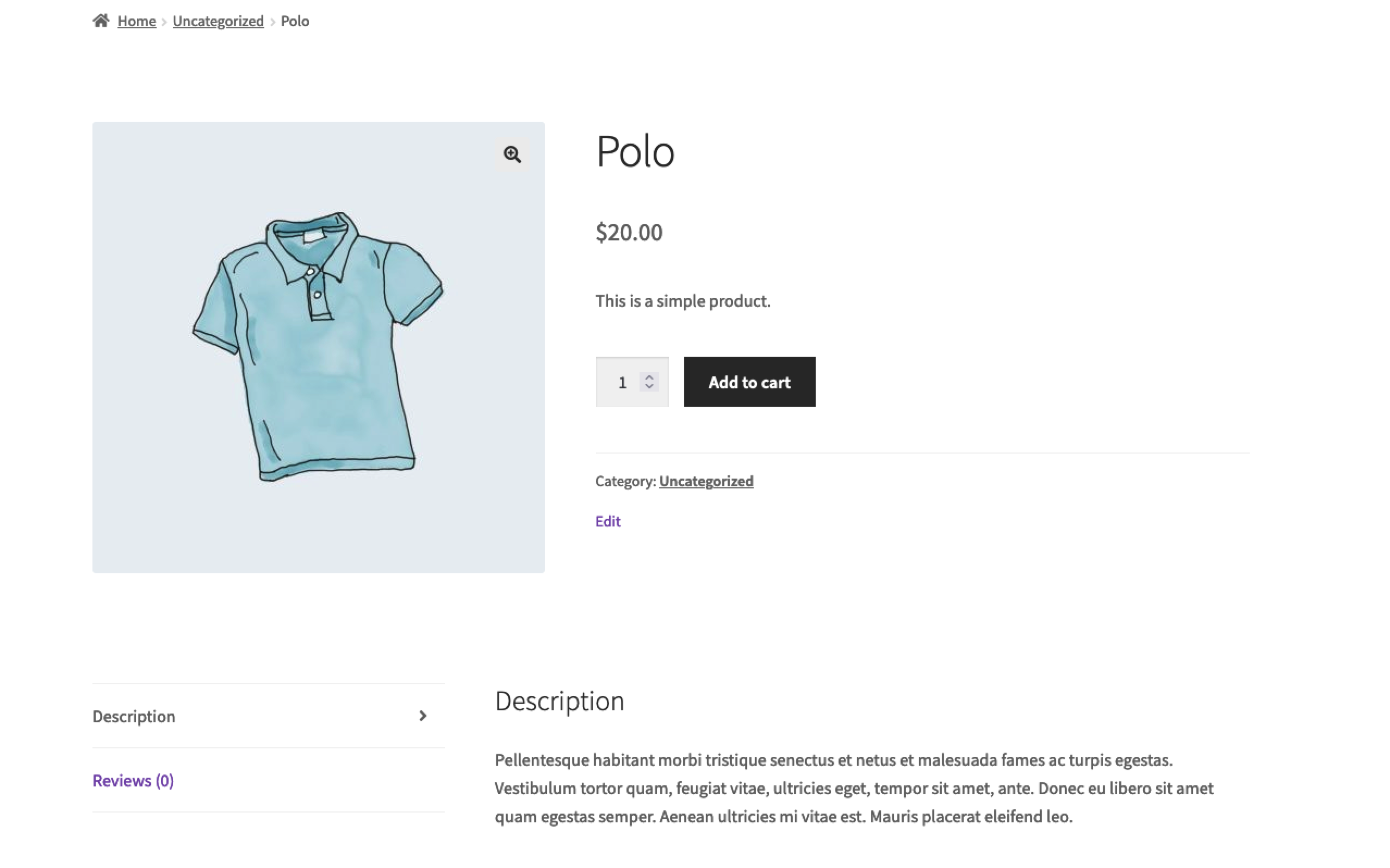
- Click the View product link at the top of the screen to view the newly created product.
Leave a Reply